Logo Draft – COM210 Assignment

For my logo project I decided to create a logo for my blog. The small icon for my blog that I see on my computer is just a picture of my dog, Rosie. I thought it would be neat to make an icon for that. I wanted something simple and easily recognizable.
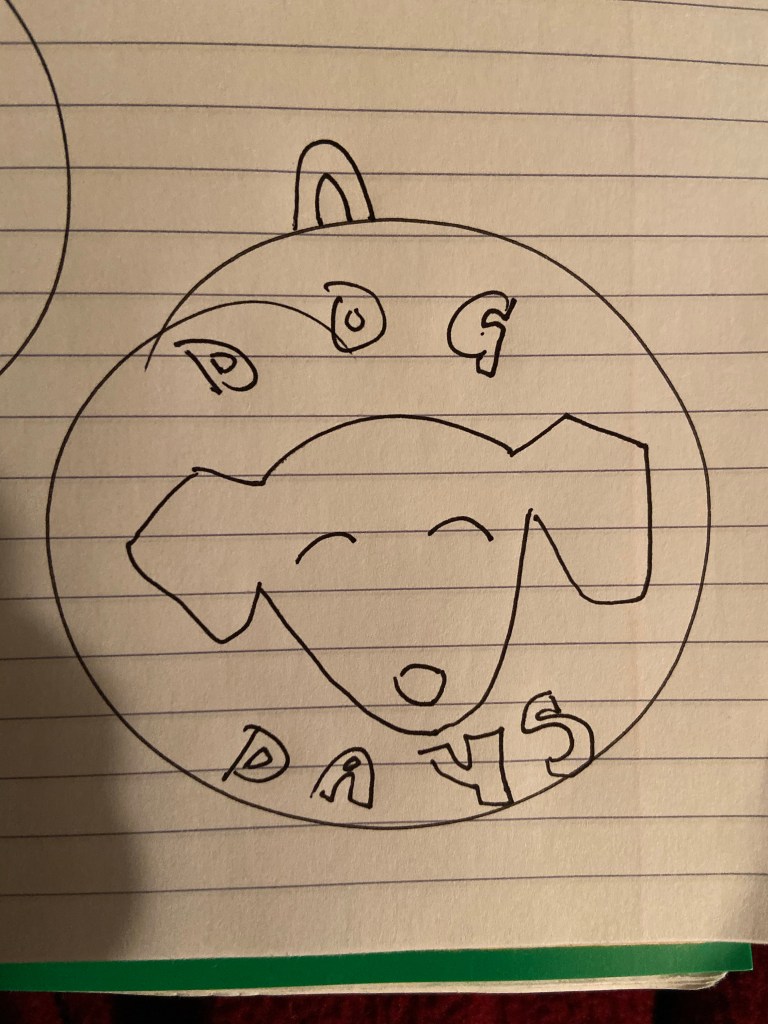
While I was sketching some ideas out I knew I wanted Rosie’s face on it but I didn’t want to use an actual picture because it won’t be scalable. So I thought maybe an outline would be an awesome idea then I could put the words around it. Then I was drawing all these circles and thought a dog tag would be a fun idea so I kind of developed my own inspiration through sketching ideas out.

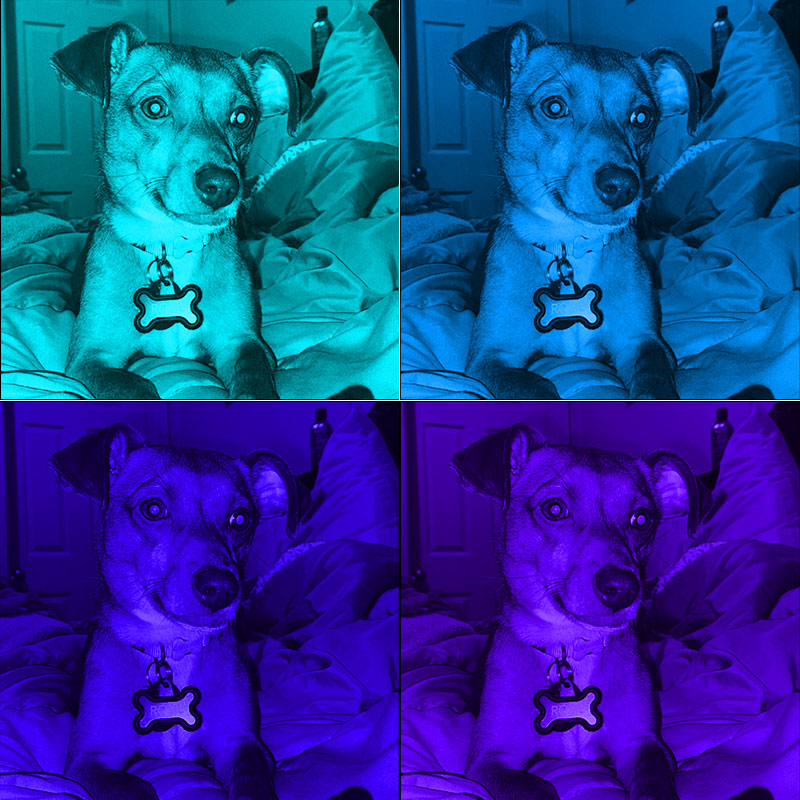
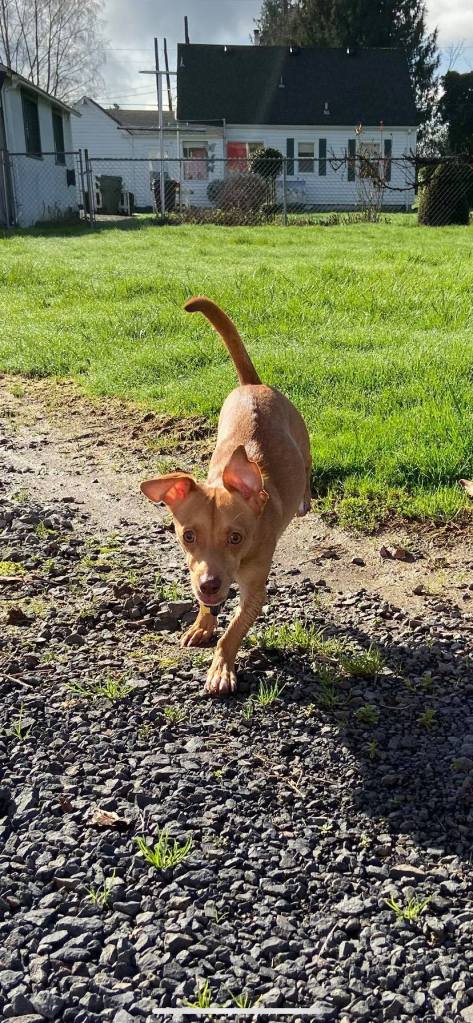
I didn’t do any surfing the web research, but I did go through almost every picture I had of my dog. I wanted an outline that showed her funky ears. I went through a lot of them and cropped them to be just her head, tilting the photo so it was aligned right.
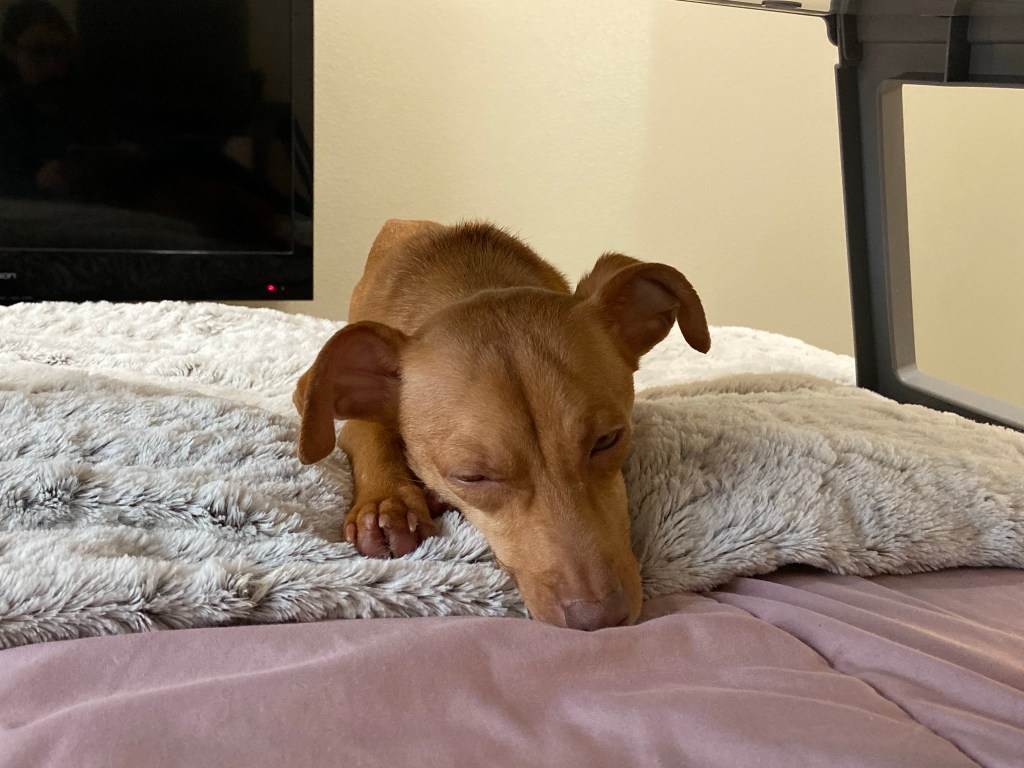
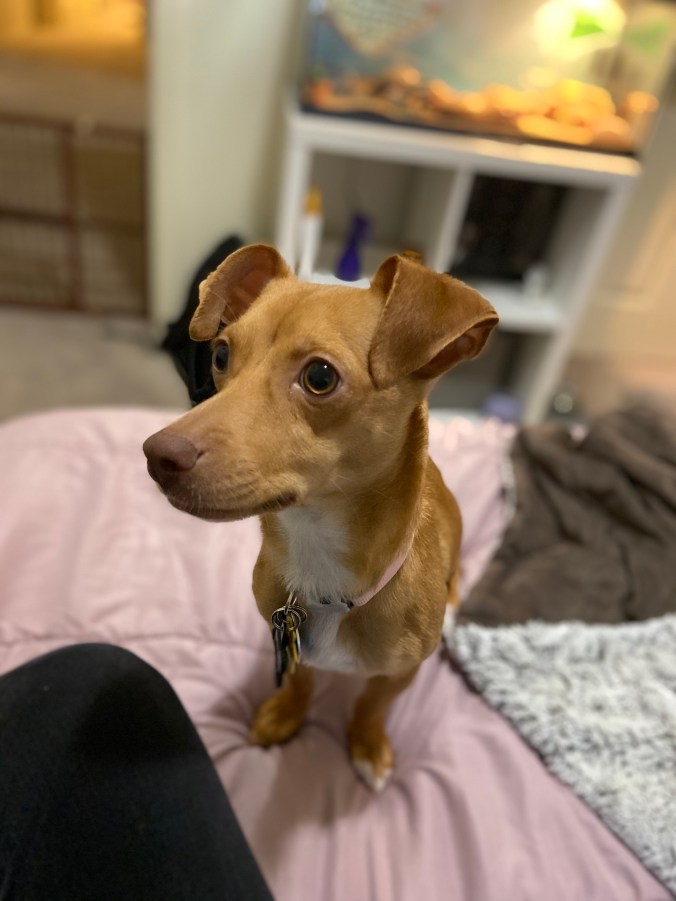
I used this photo I had taken of Rosie as a guide to making an outline of her face.

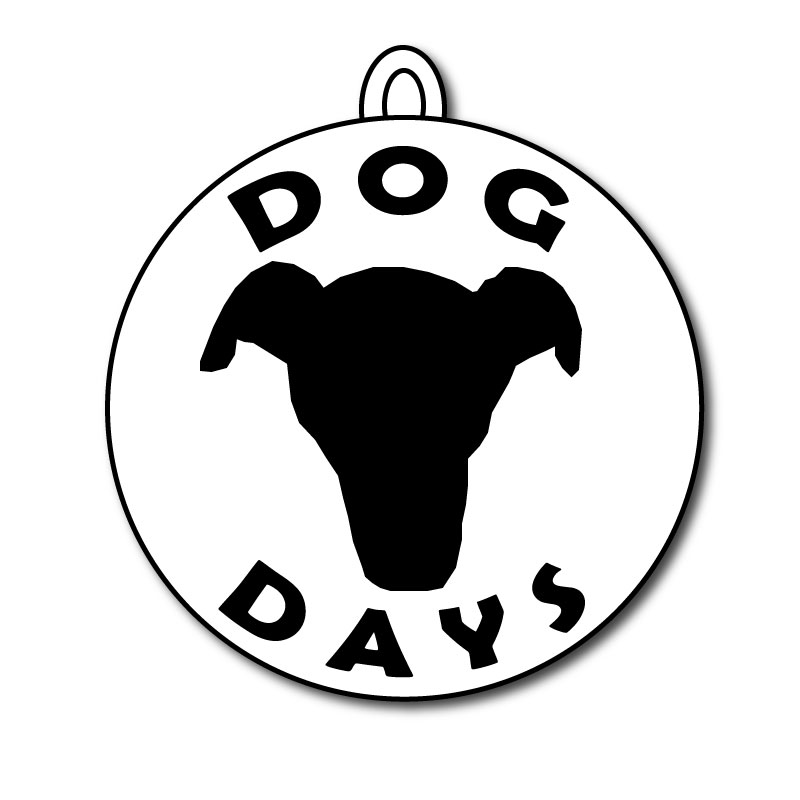
The outline of my dog’s face is the center of the design, it’s significant because it’s not just an outline of a dog it’s my dog and it’s what my blogs kind of all about. The words “Dog Days” are significant because it’s the name of my blog and what I want to kind of be the main tag of it. I have the words and Rosie’s face outline in a circle so I thought it would be a fun touch to add a little hook at the top to make the whole logo look like a dog tag. I think it brings it together as a dog centered blog and makes it more significant than just being a circle.

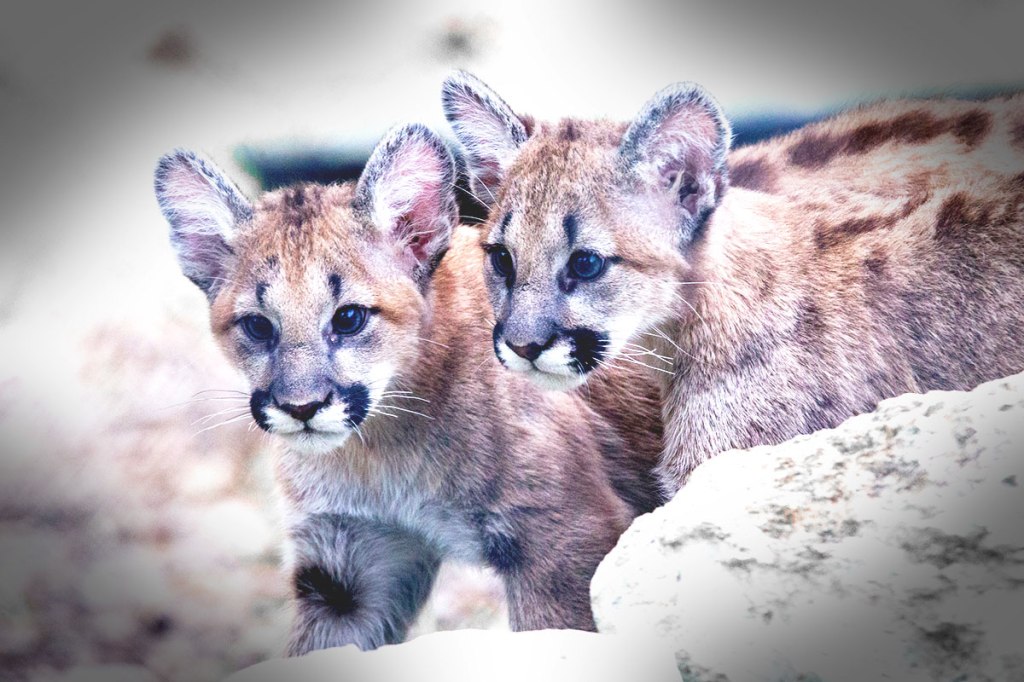
All of the tools I used were the pen tool, ellipse tool, effect>warp>arc, effect>stylize>drop shadow. At first I knew I wanted to incorporate the name of my blog and something to symbolize Rosie. In my sketch I just drew circles that had different dog head shapes and put the words around it. When I sat down to use adobe illustrator to make my logo I decided to take a picture of Rosie’s face and outline it. Similar to the photoshop tutorials with the cougar picture. I used the pen tool to do that. Then I made the entire shape black with no stroke. After that I hid the layer of the picture. I then used the ellipse tool to create a circle around the face outline. I used the text tool to make the words but I did them as two separate pieces of text so I could manipulate them separately. I used the effect > warp > arc tool to make the text frame the face outline. It took me a bit to figure out the bottom word getting it to arc the opposite way but I just needed to put it in the negative to have it be like a smile shape. After that I adjusted the size of the text to make it fit the circle better. Then I thought of making the circle into a dog tag. I again used the ellipse tool to make another oval shape and put it at the top of the circle. Since the new oval was on top of the circle it wasn’t looking great, but I remembered from the tutorials that if you right click then press arrange and press send backward it will go behind the shapes before it. Then I repeated that step to make another oval so it looked like an actual little loop for a dog tag. After that was all said and done I grouped the whole thing so I could mess with the effects. You know as I’m typing this I have an idea, I was messing with the effects and the sumi effect made my lines smoother which I really liked but it messed up my fonts too much. I’m sure if I ungroup it then just use the sumi effect on the face outline I could make that smoother. Be right back. Okay so that basically did nothing but I kept it because it made my outline edges the tiniest bit smoother. My final thing that I did was used the drop shadow effect on my logo.

I originally wanted the dog tag circle to be black and the face outline and the words to be black to show that I was making use of balance and figure & ground. But I could not for the life of me figure it out, and I didn’t want to spend so long focusing on that because then I would never complete the draft. If anyone knows how to do that, please explain how it would be super helpful!


Final Photoshop Assignment

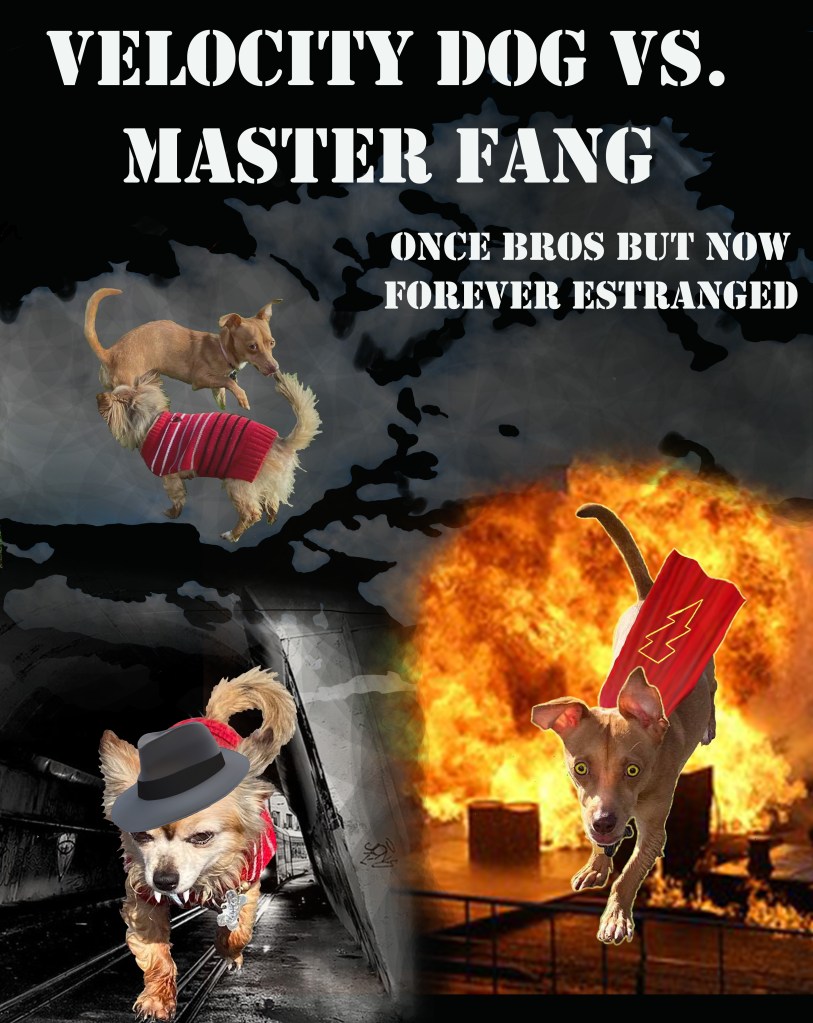
For my final I took the suggestion to change my background. But then I changed it a lot. I replaced the gradient circles with photos from flicker. I turned down the opacity of the clouds and used the eraser at a huge size with a low percentage of flow. For the tunnel background I used the eraser at the same size and flow to blur the edges and did the same for the fire background so they would blend. Though they didn’t blend that well it was the best I could do. I also reduced the opacity of the image of my dogs together.

Flicker Image 1

Flicker Image 2

Flicker Image 3

Flicker Image 4

Flicker Image 5

Draft Photoshop Assignment

I decided to make some what of a comic book cover for this assignment, I thought it would be funny. It only relates to my topic because it includes both my dogs because they sometimes have little “arguments”.

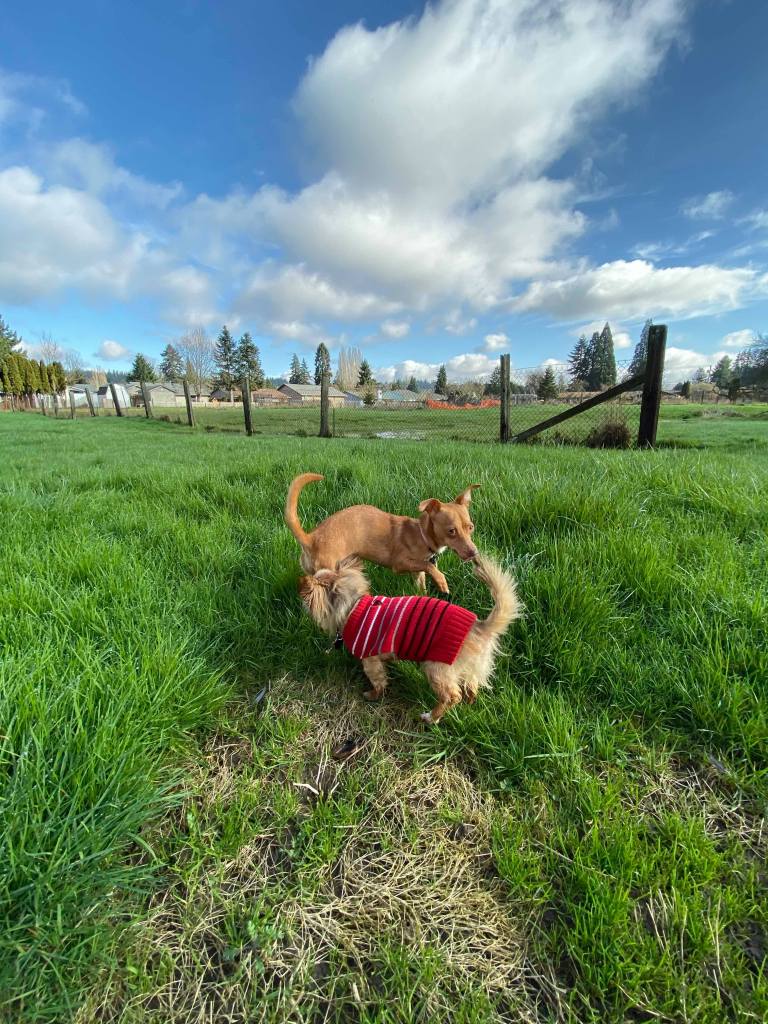
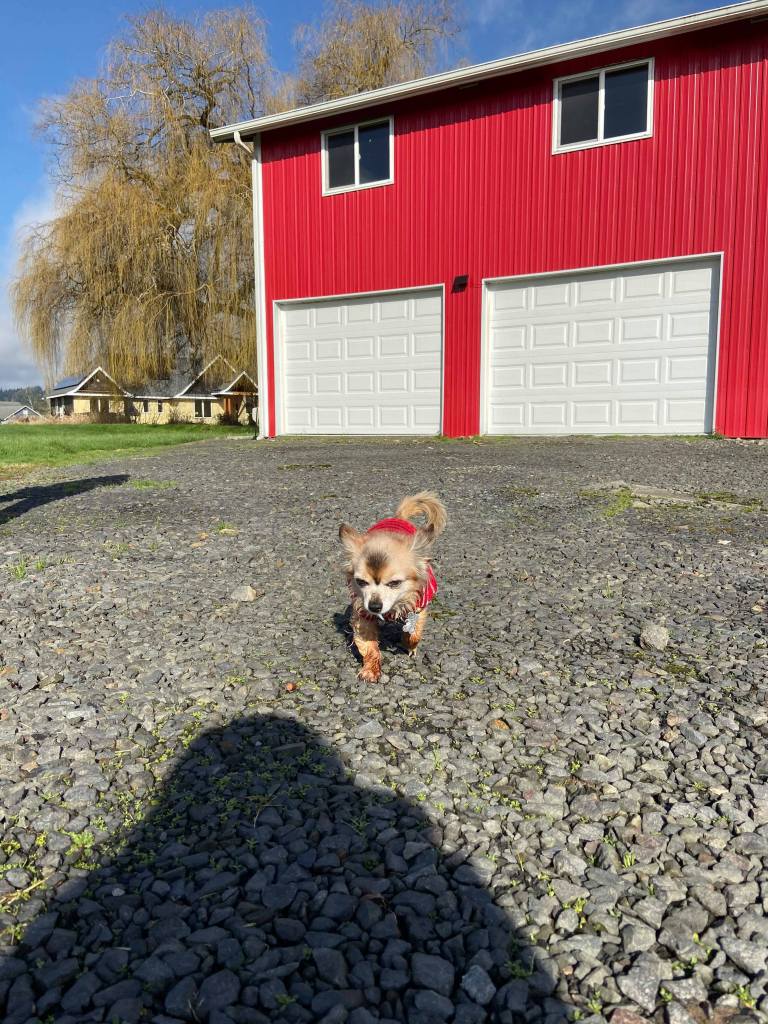
I took a lot of photos of Tango and Rosie for this project but all of them were a little weird and/or crazy. Mainly because I let them run around my Grandmother’s pasture and they got the zoomies. I tried to come up with something that fit with the pictures I had taken. Thus why I did a comic book cover, Tango looks like he’s giving everyone the stink eye while Rosie is running around like crazy.

I looked at some comic book covers and movie covers to get some inspiration. I made the title bigger because it’s one of the first things you’d notice. Plus a little note about what the comic would be about. The top left photo is when they were hanging out together and having a good time. The picture to the right of Rosie was a mid running at me shot. She was kind of in the perfect action movie stance. I got the cape image from flicker, I will post the link below. I used photoshop to add color to things, I drew yellow in her eyes and a lightning bolt on her lil cape. I thought it added to her Velocity dog character. I used a random superhero name generator to help me come up with names. Yes, I know they’re cringey I tried my best. Tango is giving a stink eye look and I figured only cringey villains wear fedoras so I gave him one. The fedora is also from flicker, I will post the link below.

I used a lot of the paint brush, trying different sizes and adjusting the hardness/smoothness. I also used the eraser a lot for my many, many mistakes. I used the eraser also to get rid of all the background in my photos.

It took a long while for me to understand how to work photoshop, I wasn’t getting it. So it took me quite a bit of time, I’m still not really pleased with it but since I have no photoshop experience I gave myself a break. The search bar for tools was super helpful because sometimes I had trouble finding what I needed. Adobe also has some practice tutorials it will teach you, showing how to use most of the tools and I found that helpful.

This image has an empty alt attribute; its file name is bailey-vawter-photoshop-assignment.jpg

Images from flicker links

https://www.flickr.com/photos/michale/2962581389/in/photolist-5vN1et-Nor4nm-7TWo7X-7TWgJ6-7TZChC-3hfsL-f1QjAG-okn8v-7TWkBp-7TWmri-21PQRJt-GTaX2D-8vV9bk-sDoqbv-rZ2yMn-WJcK3-2gTc26s-LromUJ-yiT5pF-9UyyZh-6XCZ5R-8NrFSS-dvFVDe-8XRp-ngNP7S-NHd614-PbpXDZ-2gGPCS5-P8sdbj-fwCY6Z-rRsrZF-NMKedf-2hPgiMG-2hQ6gBo-2hPvAKX-2hPQfLX-2hPHxP1-2hPAzb4-ycJPk8-NHd5KV-Nn5SdU-NFQEkk-am7QXe-P3MXBK-28BRxrb-P1ii9b-NDfCAu-fNgm6c-Wo9Uqm-6Q46LX

https://www.flickr.com/photos/74625821@N02/9604695658/in/photolist-fCJzp1-9mUnCm-9xBdEV-2SEDL-G2E7gc-oVr5E-oWfNfC-3XA5rL-aSMy5c-8RSr8m-RH7cKX-6U3hSp-8DdhcX-iMrGpC-dh8DS9-fAWnR2-fwdwiG-8AdAhb-a9fDSd-8V5rHs-87ZNMo-8DdhgB-8zxBV-7LHA3P-6QFLLR-w63CWB-2hQjUL2-MAYAZK-CR2jAf-P79SDq-PDkQAd-6HjVwr-4grN7c-8ZN7dY-5DUTtx-7EPUY9-8DgoTm-8Ddh9v-8DgoR5-nHjZX5-5sXNhA-e51veH-2hPztC-8jKeh6-8Ddh4c-8qdkaH-nbAwAB-8DgovE-eYjycD-iTGihZ

all creative commons

Image Collection for COM210

The pictures I took of my dogs for this assignment didn’t all turn out well and they look really funny. So because they’re running around crazy I thought it would be funny to make them into lil dog super heroes. Rosie’s running around in every picture and Tango looks like he hates everything.

My First Blog Post

I have a young dog, Rosie, she’s about a year and four months. I adopted her from the Southwest Humane Society in Vancouver. I’ve been training her, she’s the first dog I’ve trained on my own. I used to help my dad train our dogs. Currently we’re working potty training and basic commands. She’s doing well with it. Of course there’s accidents and she doesn’t always listen but with time I think she will do well. When I first got her from the humane society there was a few issues with her health. She had just been spayed and she hadn’t been wearing a cone, which wasn’t good because her stitches were dissolvable and it could’ve caused them to open up her incision. I got her one so it kept her from licking her stitches and her incision has healed very well since. She also had kennel cough and a fever. I took her to the vet and got antibiotics for her. I have other dogs at home so I had to isolate her from the other dogs, she really did not like that.

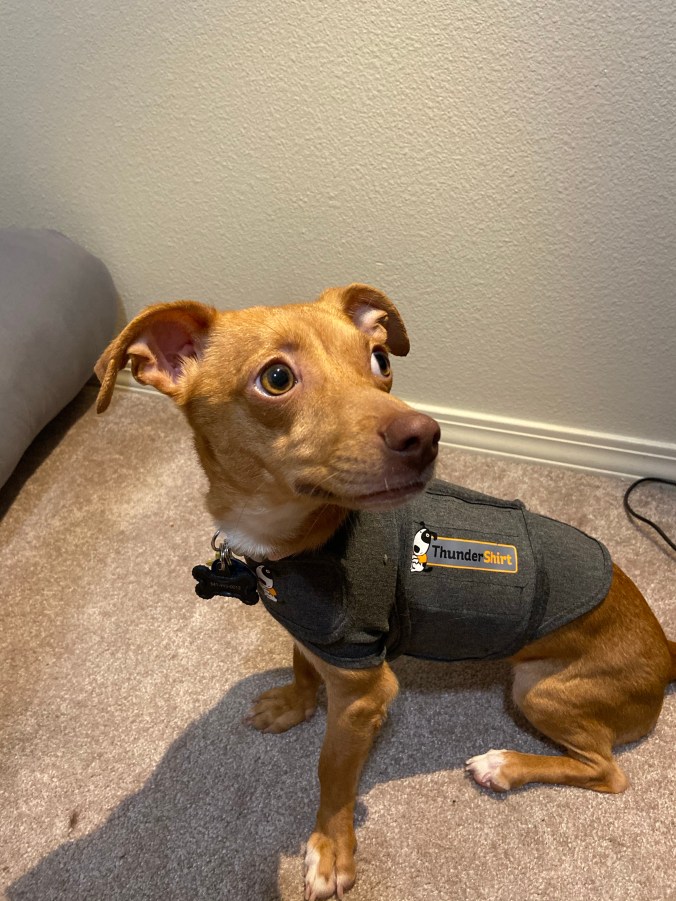
Rosie also has severe separation anxiety. There was some methods I tried to help her adjust to me being gone. I ignore her 30 minutes before I leave and usually 30 minutes after I come home, but most times she needs to go outside. I’ve got her special toys that she loves but only gets when I leave as a distraction. I’ve tried giving her melatonin treats as a way of getting her calm before I leave. However, Rosie still yelled and barked constantly while I was away or just out of her sight. Nothing really helped until I got her a thundershirt from PetSmart. The first day she started wearing it while I was away she was silent and she had no accidents. It was a pretty amazing immediate change in behavior. Thundershirts can be expensive but in Rosie’s case it was literally a lifesaver. It helped her calm down and in a way helped me feel better about leaving her home.

There’s a podcast I’ve been listening to while training Rosie for some extra help. It’s called Your New Puppy: Dog Training and Dog Behavior Lessons to Help You Turn Your New Puppy into a Well-Behaved Dog by Debbie Cilento. It goes through the whole process of getting a new puppy and where to start. Even before you’d bring the dog home. It’s a great idea for new dog owners. It was helpful for some tips on training Rosie as well as how to introduce her to the other animals in my home. 

Some other influencers who I’ve found helpful happen to be on TikTok. The first influencer on the app is @nicedoglady. She’s a professional dog trainer. She has some tips on training and has made helpful demonstration videos. As well as things not widely known that aren’t good for dog training or just aren’t good for dogs in general. The second one is @imcesarmillan from Dog Whisperer. I remember watching the show when I was younger. I started watching his videos because I was like Cesar Millan has a TikTok? He makes some funny videos but also some informative ones. 

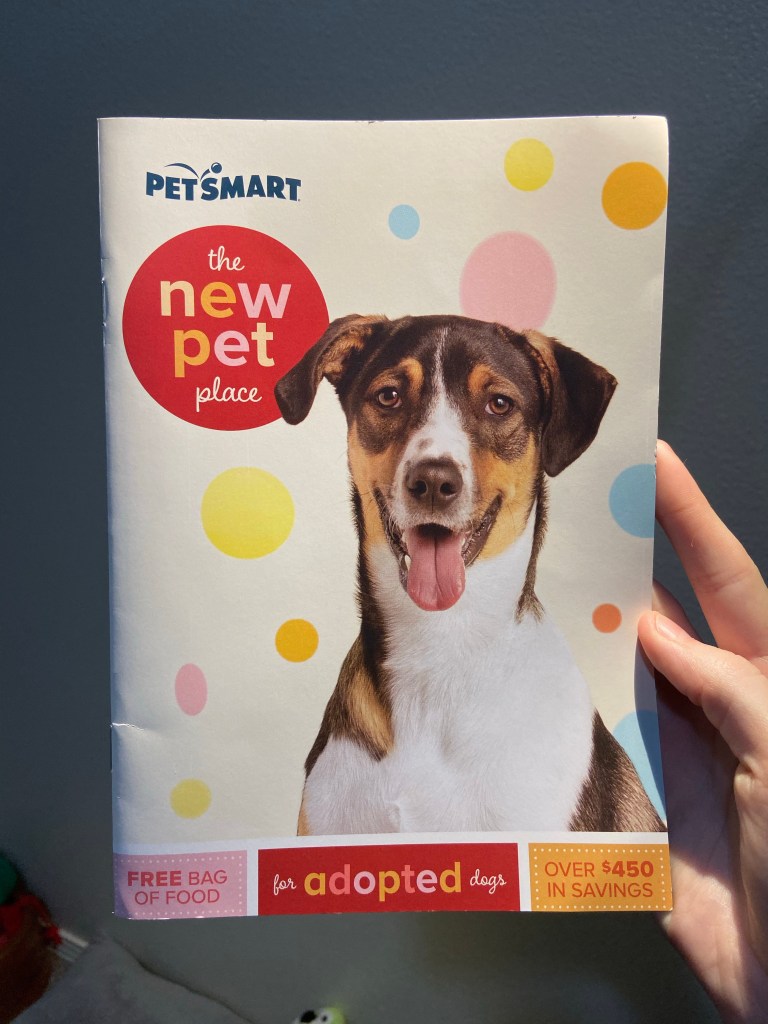
Also if you’re adopting a dog or cat from any humane society, PetSmart will give you a coupon book worth $450 of savings for free. Including a free exam at their Banfield Veterinary Clinic and many other amazing deals to help you with your new dog.